Use case

Less scrolling. More of the studying you came to do.

You open your phone for a quick break. Half an hour goes missing. Give distracting apps a daily allowance with 12Focus, then earn extra minutes by finishing planned study actions. Available on iPhone and Android.

Download on iPhone Download on Android
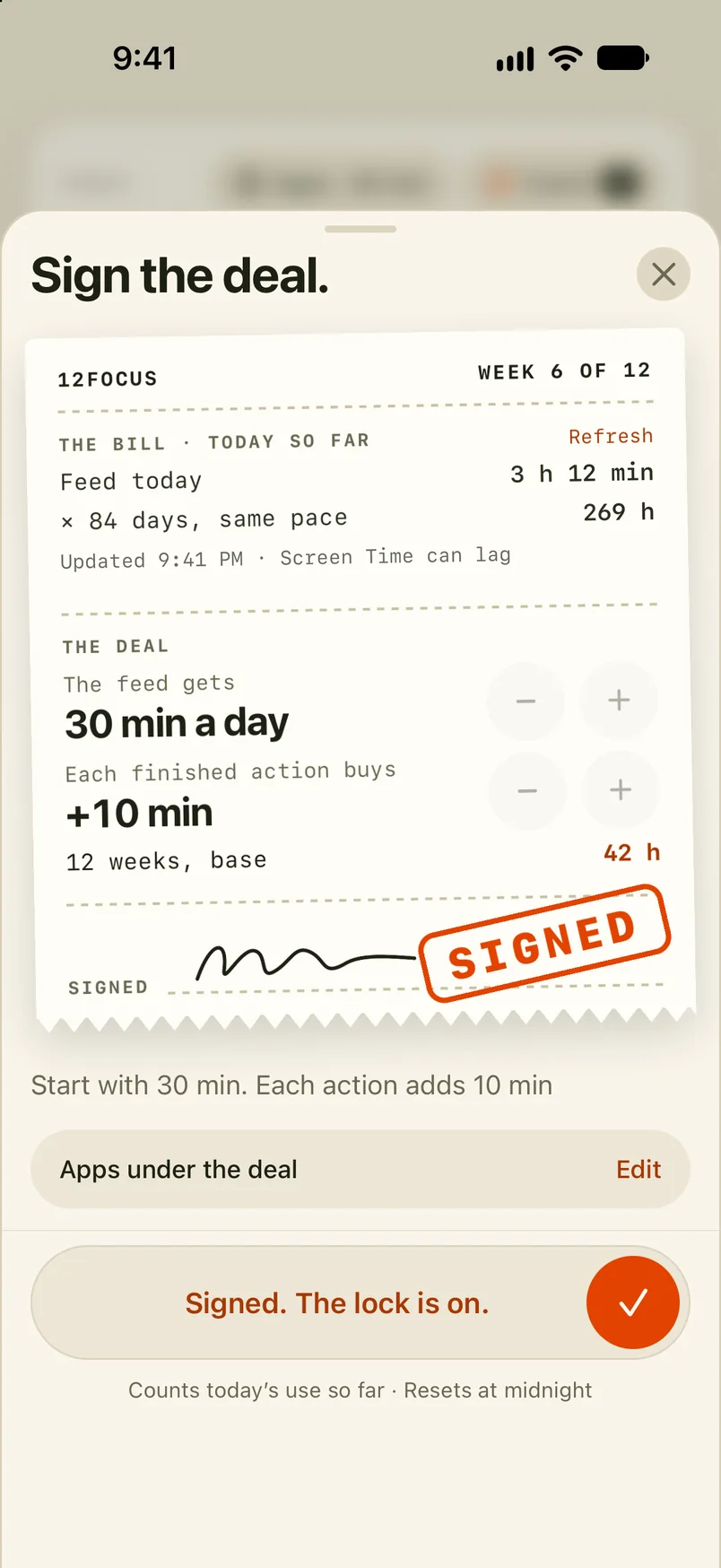
12FOCUSWEEK 6 OF 12
THE BILL · TODAY SO FAREXAMPLE
Feed today3 h 12 min
× 84 days, same pace269 h
THE DEAL

The feed gets

30 min a day

Each finished action buys

+10 min

12 weeks, base42 h
SIGNED
Slide to sign

An example deal. Slide to sign it.

A clear study action for today. More time for your apps when you finish it.

From intention to action

Make the next study session specific.

“Study more” is easy to postpone. “Solve five practice problems” gives you something you can start and finish. Put that action in your week, then give your most distracting apps a boundary.

  1. Choose a goal: prepare for an exam, finish a thesis chapter, or complete a course.
  2. Plan this week's actions: read a chapter, practise ten questions, draft one section.
  3. Select distracting apps and set a daily time allowance.
  4. Complete a planned action to earn extra app minutes. When your allowance runs out, the apps pause until midnight unless you earn more time.

A plan that lasts beyond tonight

Give the exam a place in your week.

A 12-week goal keeps the bigger picture visible. Weekly actions make revision manageable. At the end of the week, review what you covered and what needs a different approach.

For example: set a 20-minute daily allowance and earn another 10 minutes after a planned practice session. These are example settings; you choose your own limit and reward.

Build your 12-week study plan →

Before you download

Study app blocking, explained.

Does it work on Android?

Yes. Android blocks apps you select and requires Usage Access and Accessibility permissions. It does not block app categories or websites.

What about iPhone?

iPhone uses Apple's Screen Time permission. You choose what to limit and set your allowance in the app. Blocking is optional on both platforms.

Does 12Focus block websites on my laptop?

No. The web app helps you plan goals and review your week. App blocking runs on your phone.

Can I use a Pomodoro timer too?

Yes. A timer can organise your study periods; 12Focus gives your phone distractions a daily limit and connects extra app time to completed actions.

Is it free?

12Focus is free to download. Paid features need a subscription; plans and any trial offer are shown before purchase.

Make this the term where the plan survives past week two.

Choose one study goal. Give it a few actions this week. Make room to follow through.