 12Focus
Get the app
12Focus
Get the app Your goals deserve your time
Less scrolling.
More doing.
Know what to do today. Block distracting apps when your time is up. Earn more minutes by taking action toward your goals.
Your apps, in balance.
Focus on today. Put your apps in their place.
Open your day.
Not another feed.
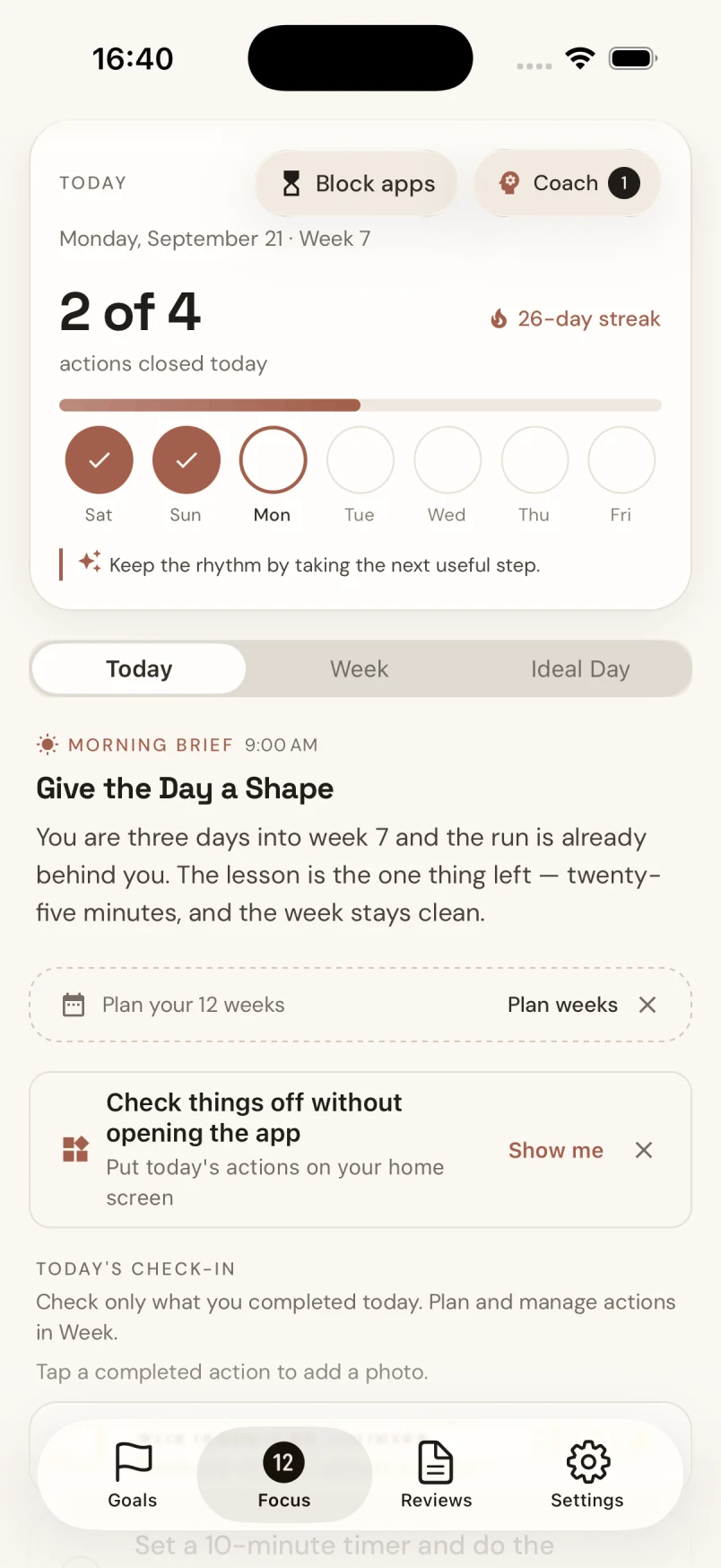
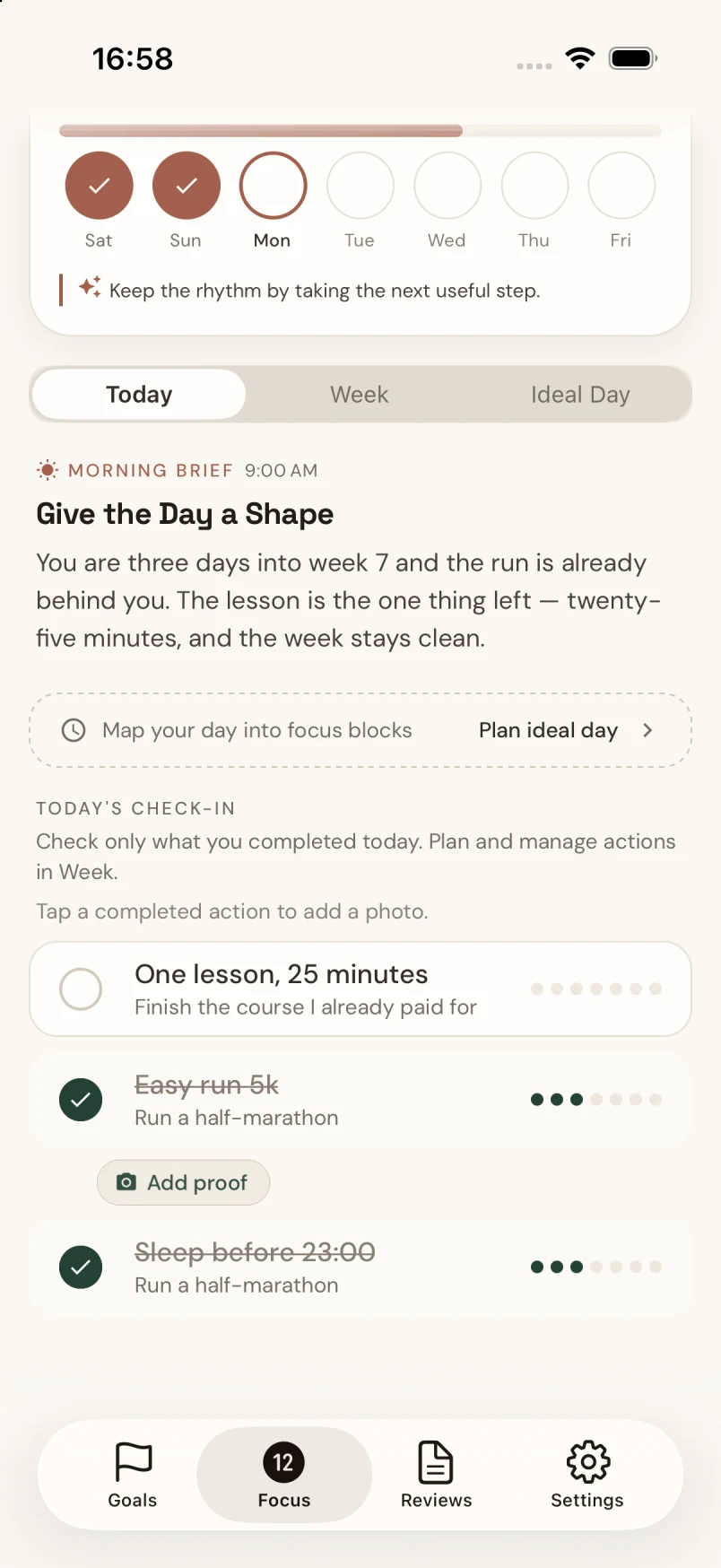
Focus brings today’s actions, your progress and app time together. See what matters next — and give yourself room to do it.
Did the run. Finished the lesson. Check it off — and, if you want, add a photo of what you did.
App blocking that works toward something
A limit for your apps.
More room for your goals.
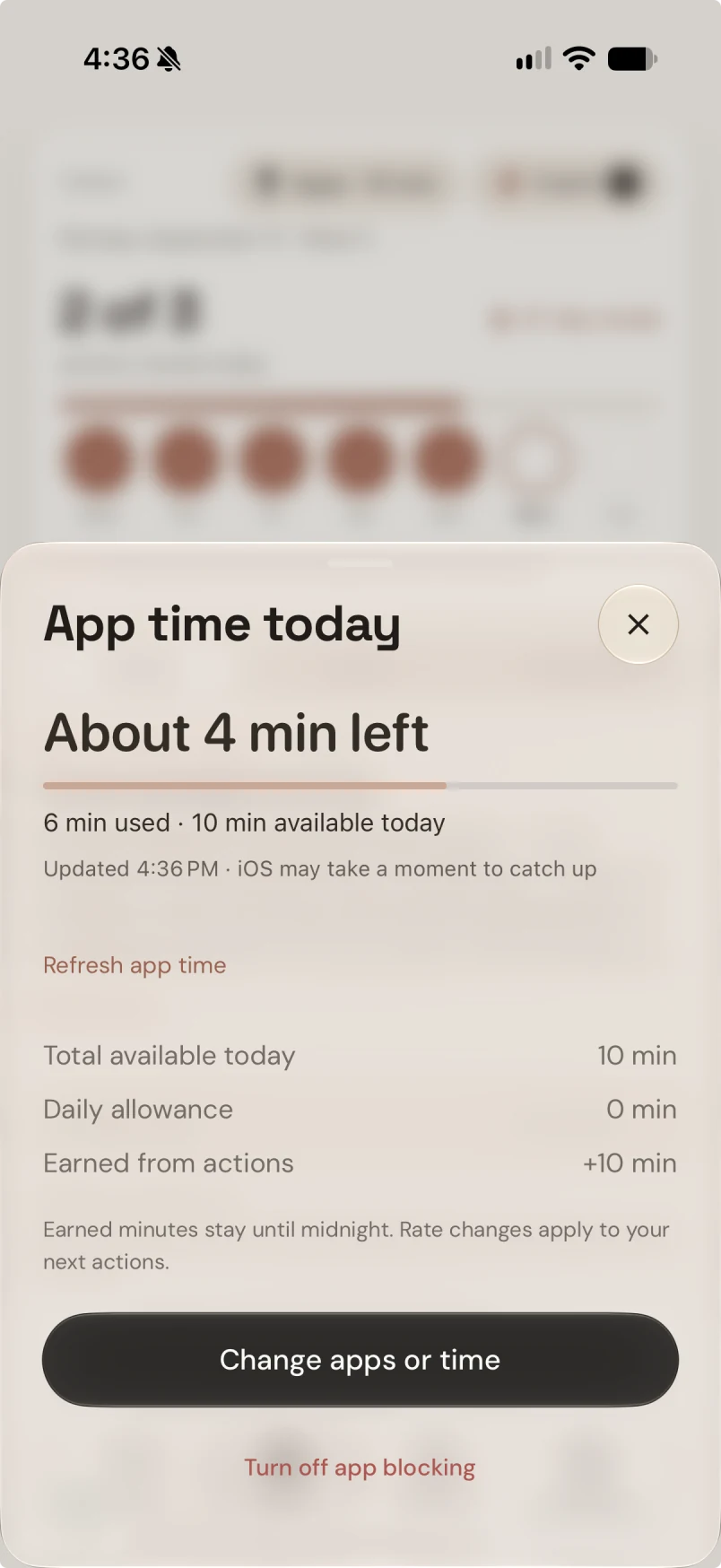
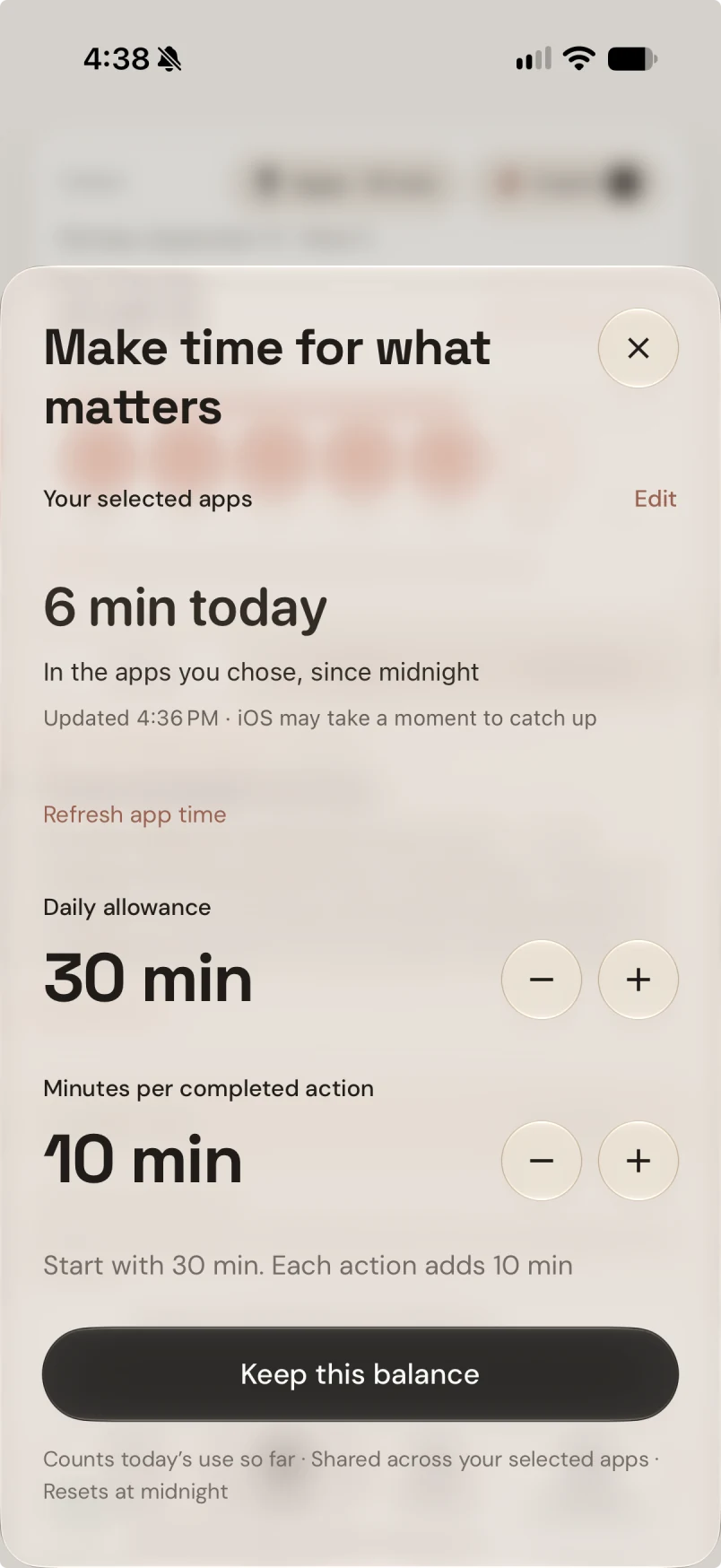
Choose the apps that pull you away and set a shared daily allowance. When the minutes run out, those apps pause.
Complete a planned action to earn more time. You choose the daily limit and how many minutes each action adds.
See an action turn into app timeApp blocking on iPhone and Android.
Your goals come first
One action closer.
A little more freedom.
Make time for what you want to do. Give distracting apps a daily allowance, then earn more minutes by completing your planned actions.
On iPhone and Android. You choose the apps, the limit and the reward.
Your goal: run your first 5K
20 min
20 daily minutes. Finish the action to earn 10 more.
An interactive example. Your allowance and reward are up to you.
Your goal isn’t the problem.
Everything competing for it is.
Give the important
things a place.
Choose what you want to move forward over 12 weeks. Bring it down to a few actions for this week. Open today knowing what deserves your attention.
Find your next 12-week goal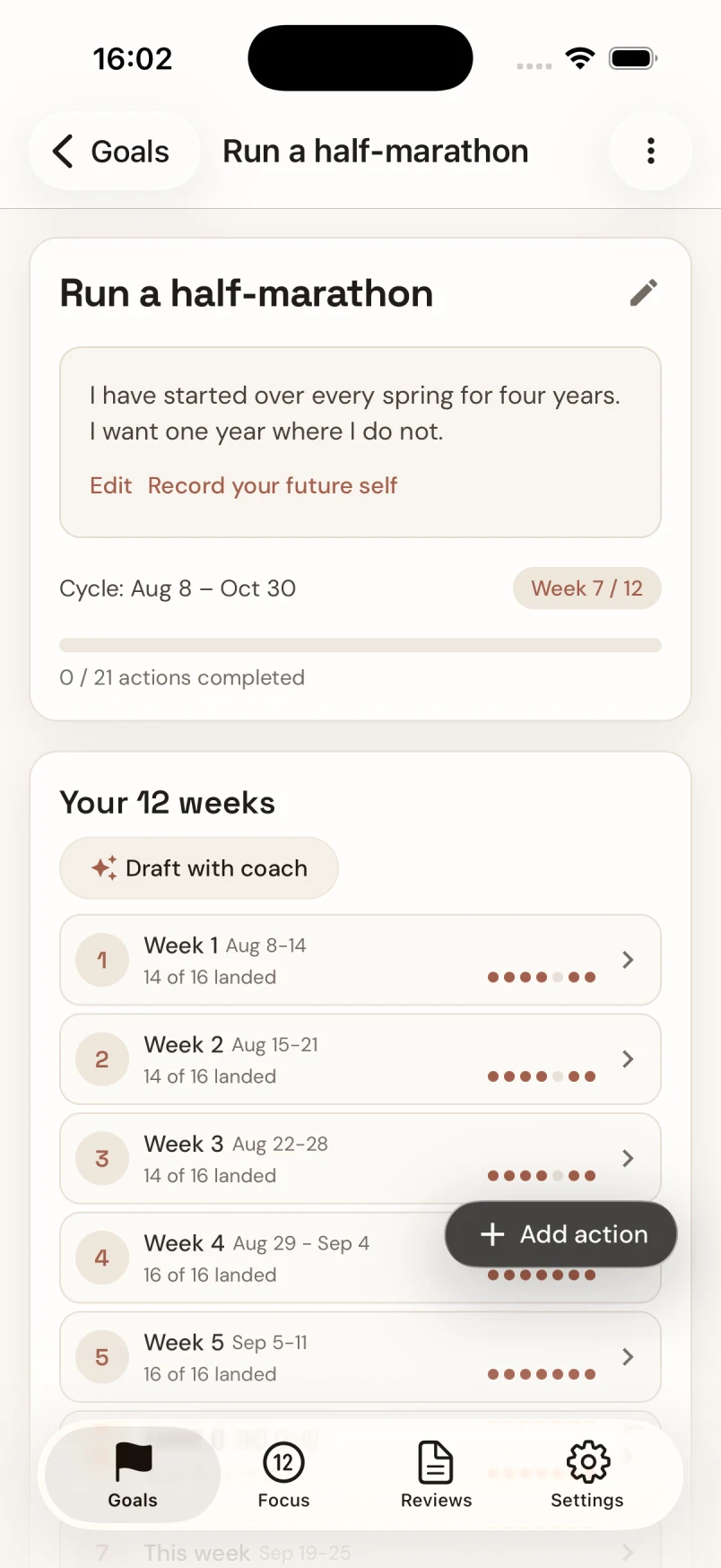
A rough week
isn’t the end
of the story.
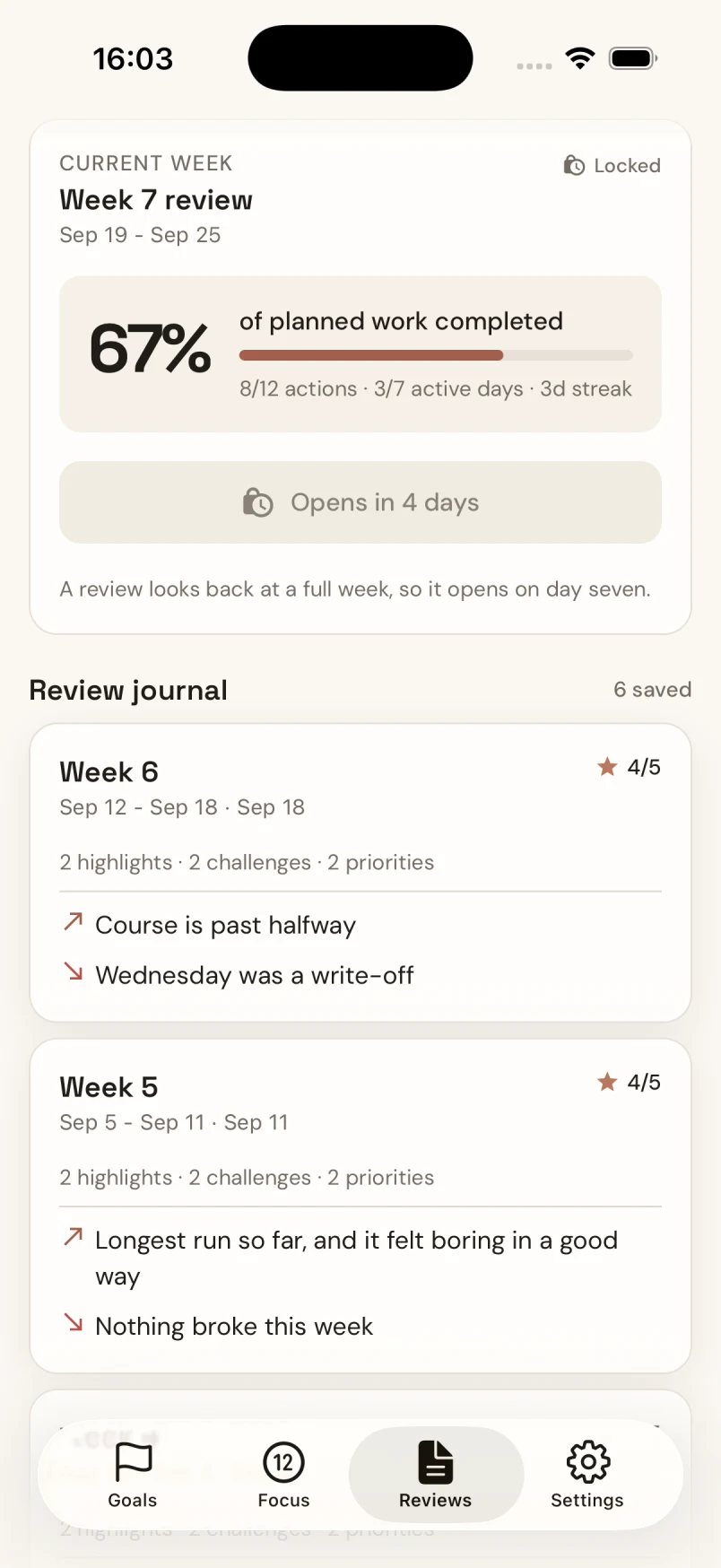
See what moved, what got in the way, and what to change next week. Your Coach helps you reflect. You decide what comes next.
Want someone in your corner? Share your completed review with a partner you chose. Support, on your terms.
Make next week feel differentWhat do you want
your time back for?
A few things
you might wonder.
Does app blocking work on Android and iPhone?
Yes. Set a daily allowance for distracting apps and earn more minutes by completing planned actions. Android blocks selected apps, not categories or websites, and needs Usage Access and Accessibility permission. App blocking is optional and is not available on the web.
What happens when my time runs out?
Your selected apps pause until midnight, unless you earn more time by completing planned actions. You choose your allowance and reward settings.
Is this just an app blocker?
No. Start with a goal for the next 12 weeks, choose your actions for this week, and review what helped. App blocking protects space for that work.
Do I need a partner?
No. Use 12Focus on your own, or invite someone you trust. Both people opt in. Your partner sees the week you choose to share after your review.
Is 12Focus free?
12Focus is free to download. Paid features require a subscription. Available plans, prices and any trial offer are shown before purchase.
Can I use it on the web?
Yes. Plan goals and review your week on the web. App blocking works on iPhone and Android, where the distracting apps live.
Make room for what matters
Your next week
can feel different.
Free to download. Subscription for paid features.
Plans and any
trial offer are shown before purchase.