Use case

Stop brain rot by making the scroll cost something.

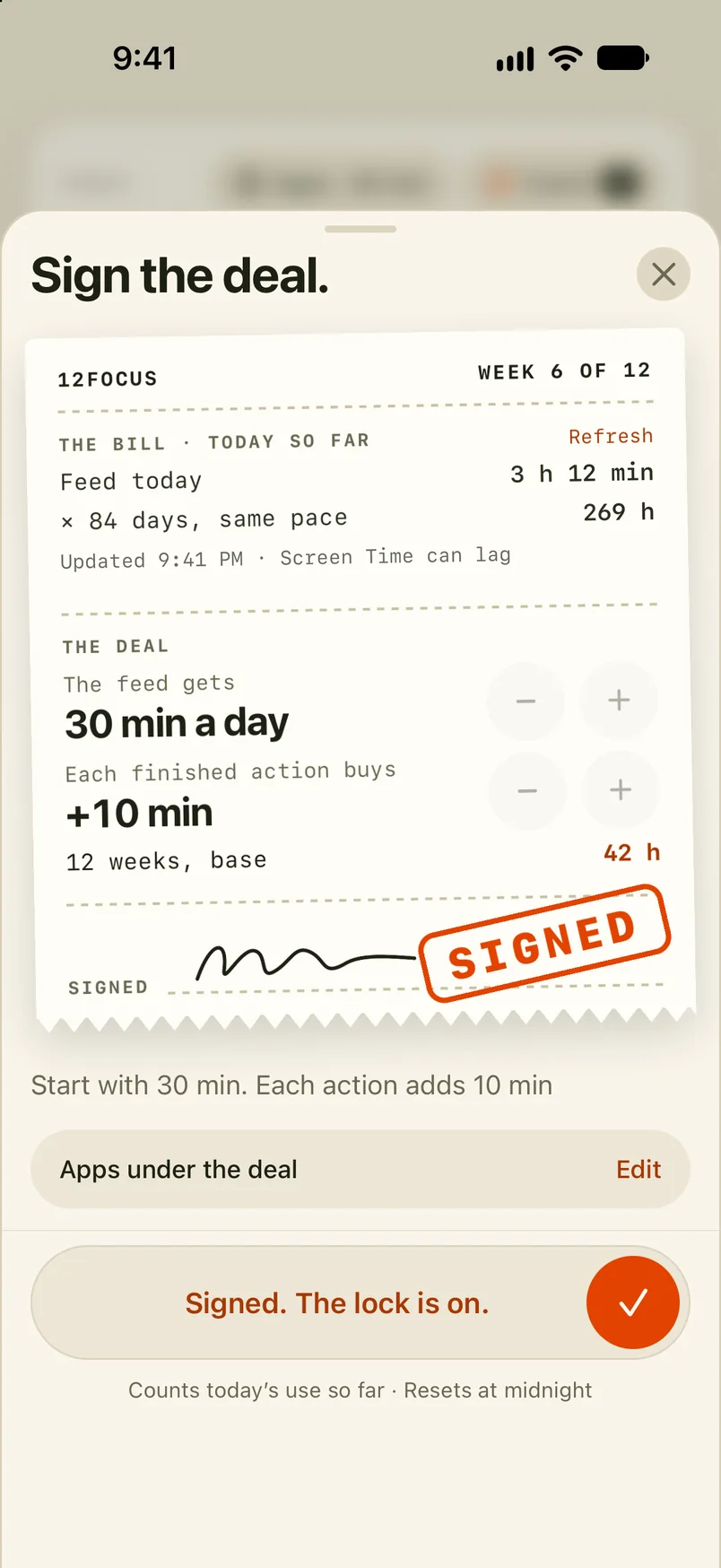
You don't remember what you watched last night, but it took two hours anyway. 12Focus keeps feed apps locked on iPhone until today's real-life actions are done — the scroll stops being free, and your evenings start belonging to you again. Blocking is iPhone-only; on Android, 12Focus does the rest.

Download on iPhone See homepage
12Focus keeping feed apps locked until daily actions are completed.
The feeds wait behind today's actions — not the other way around.

Why it matters

The feed is engineered to win. Your intentions aren't.

Calling it brain rot makes it sound like a personal failing, but the fight was never fair: thousands of engineers tune that feed to hold your attention, and you defend yourself with a vague plan to "scroll less." Deleting the apps for a week doesn't work either — they come back, and the habit comes back with them. What works is changing the order of the day: the feed opens after your life gets its share, not instead of it.

  • Name the apps that eat your hours and keep them locked by default.
  • Put a few real actions in front of them — training, reading, the project you keep postponing.
  • Scroll when the day is won, not to avoid starting it.

How 12Focus approaches it

Not a detox. A different default.

Something to aim at

Brain rot fills a vacuum. 12Focus starts by giving you a 12-week goal that makes the trade-off visible.

Actions before feeds

Each day, a short list of concrete actions stands between you and the locked apps. Finish it and they open.

Weeks you can look back on

The weekly review shows what your reclaimed hours actually produced — proof the trade was worth it.

A month from now, you'll remember what you did with your evenings.

Use 12Focus to put your goals in front of the feed — and let the scroll become what it should be: a break, not a life.